← WorkCase study 04 / 04UX/UI mobile app
Levi’s Messenger
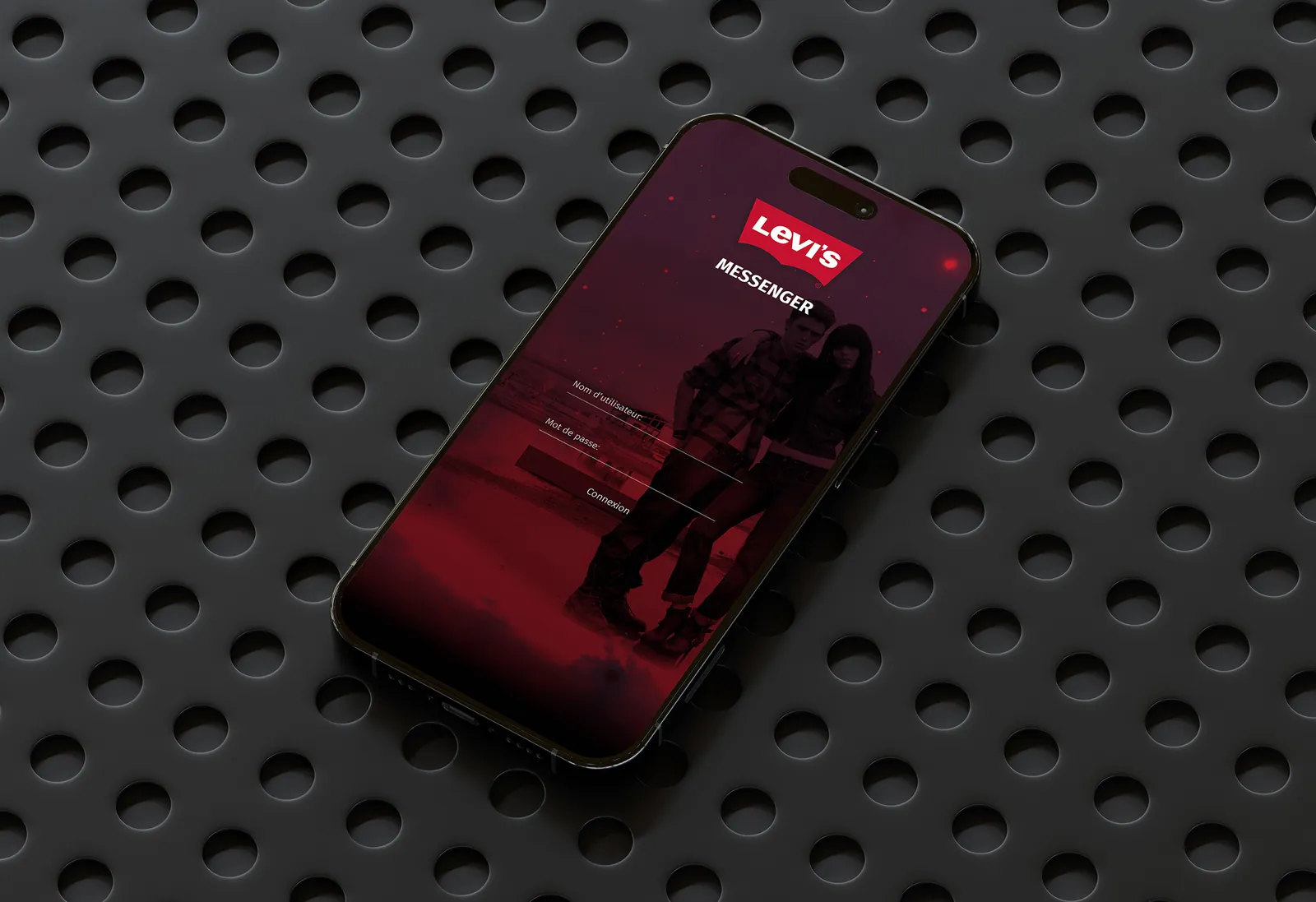
Chat with friends and refine your style every day, with fashion advice tailored to your body type.
Problem
Fashion advice apps give generic recommendations: users don’t see themselves in them and drop off. And advice lives apart from conversation – people ask a friend’s opinion somewhere else.
Answer
A body-type profile set up during onboarding, a feed of genuinely personal advice, and built-in messaging to share an outfit and get an opinion without leaving the app.
Context
Target: 18–30 year-olds, for whom getting dressed is as social as it is practical. Starting insight: people often choose an outfit with someone else.
- The challenge: make advice both personal (about your body) and shareable (about other people).
Research
Interviews, competitor analysis and a short diary study on outfit decisions.
- 6 semi-structured interviews
- Analysis of 3 competing apps
- Diary study: “how I choose my outfit”
- Usability testing
Scoping
Three personas, one guiding question.
- The student - wants a simple guide to dress well, fast.
- The young professional - makes the most of her wardrobe, wants efficiency and consistency.
- The enthusiast - loves to chat, share outfits and find inspiration.
Ideation
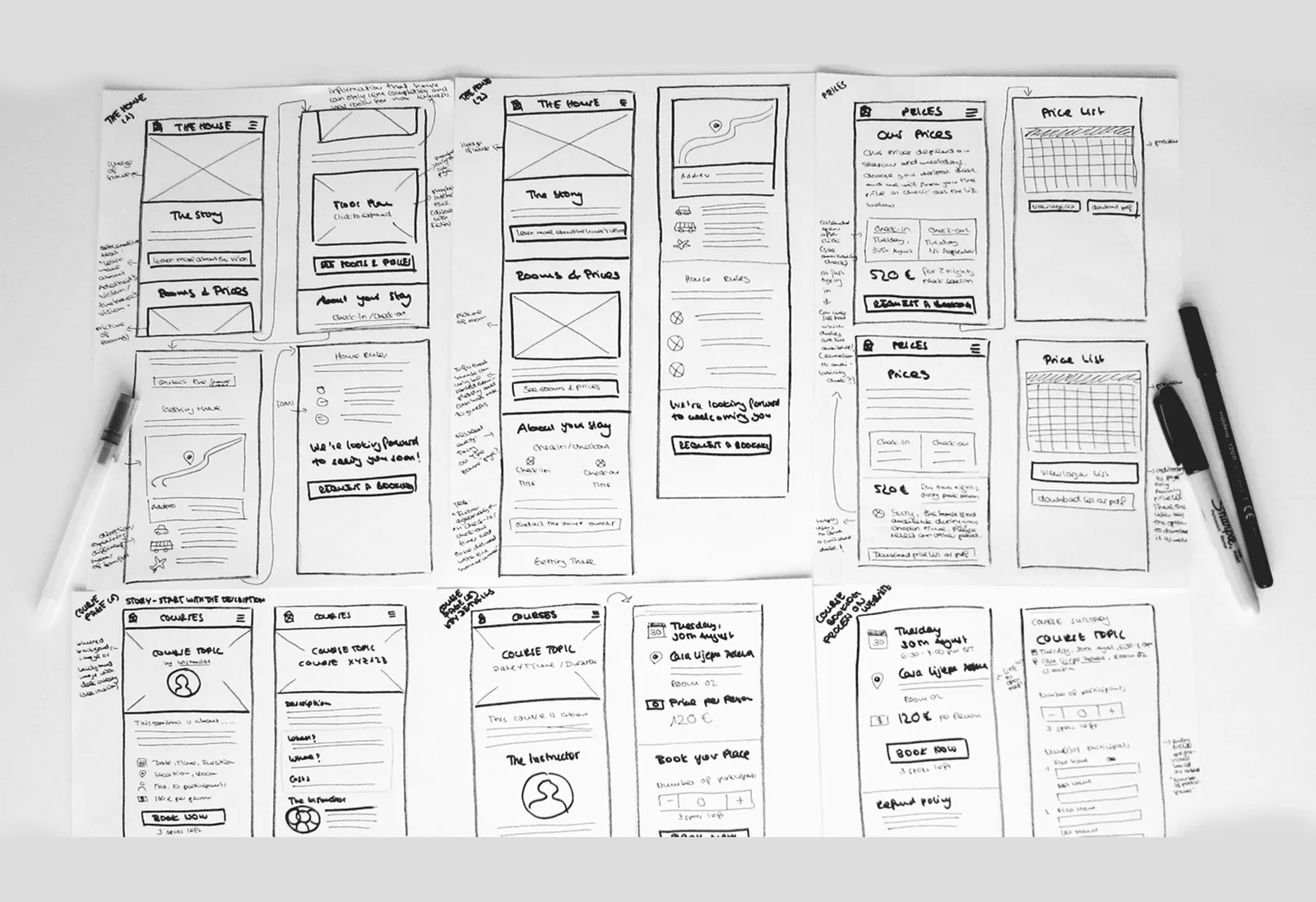
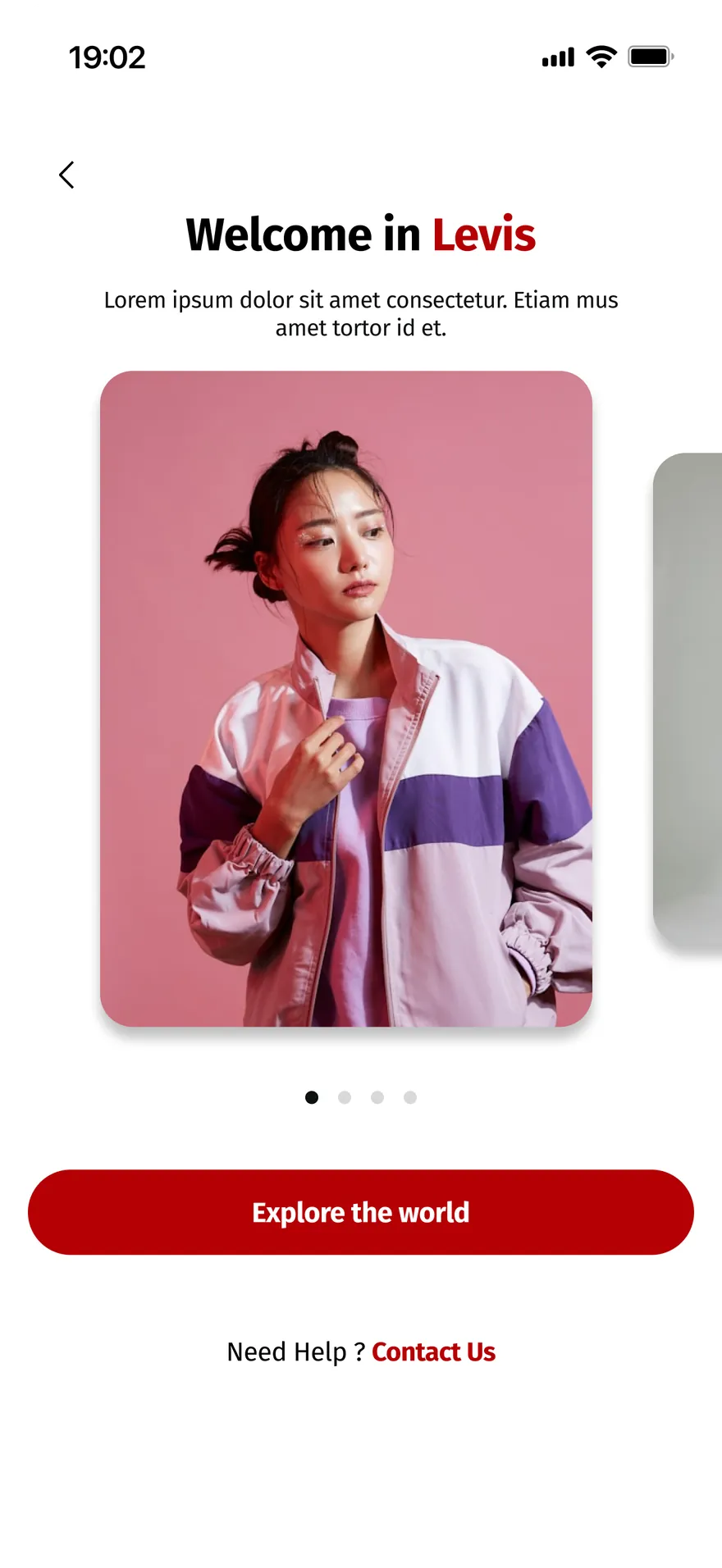
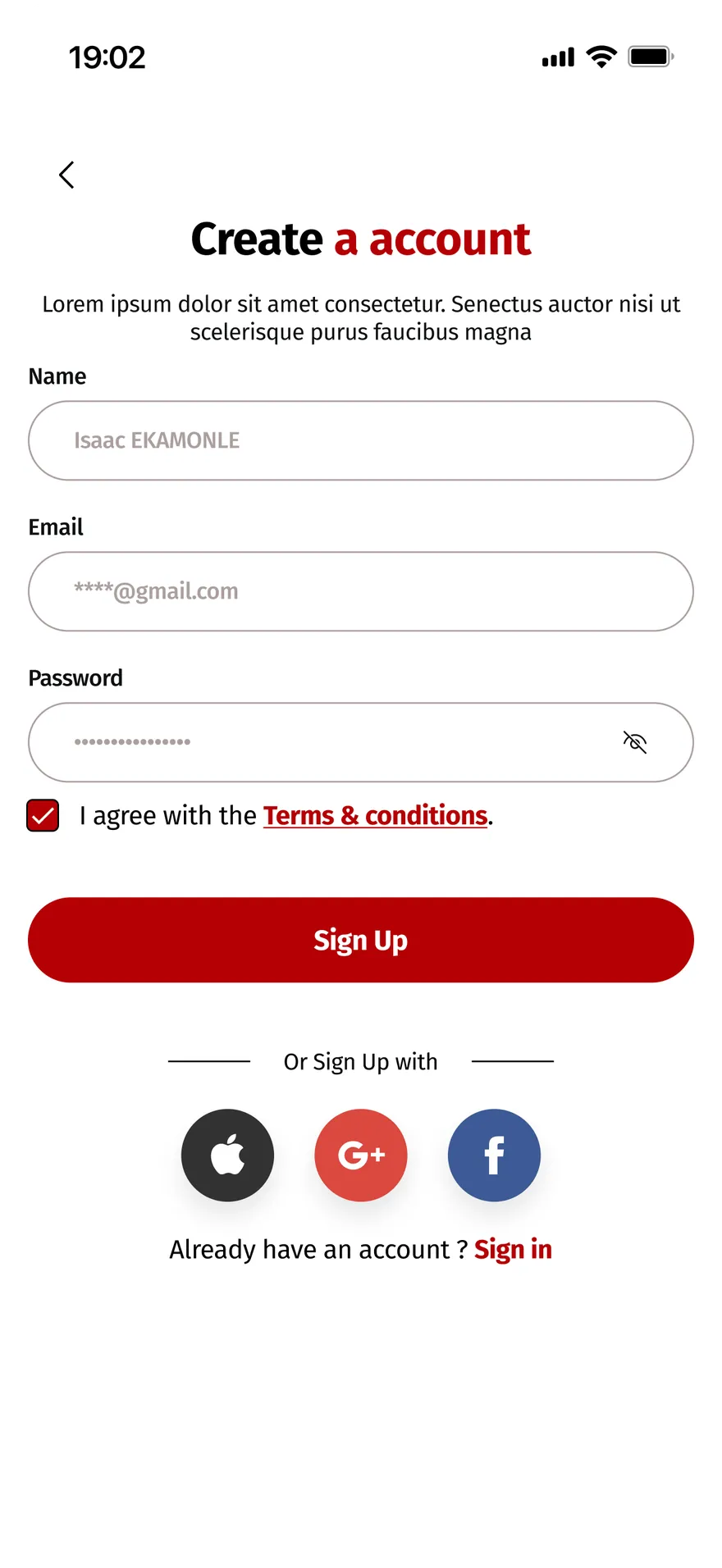
Onboarding flow, app architecture and sketches, with one key trade-off: how long onboarding should be.
- Architecture: Feed / Recommendations / Messages / Profile.
- Body-type onboarding cut to the essentials, with a “skip” option.
- Sharing an outfit in the chat as a primary action.
- Several wordings tested for the body-type selector.
Design
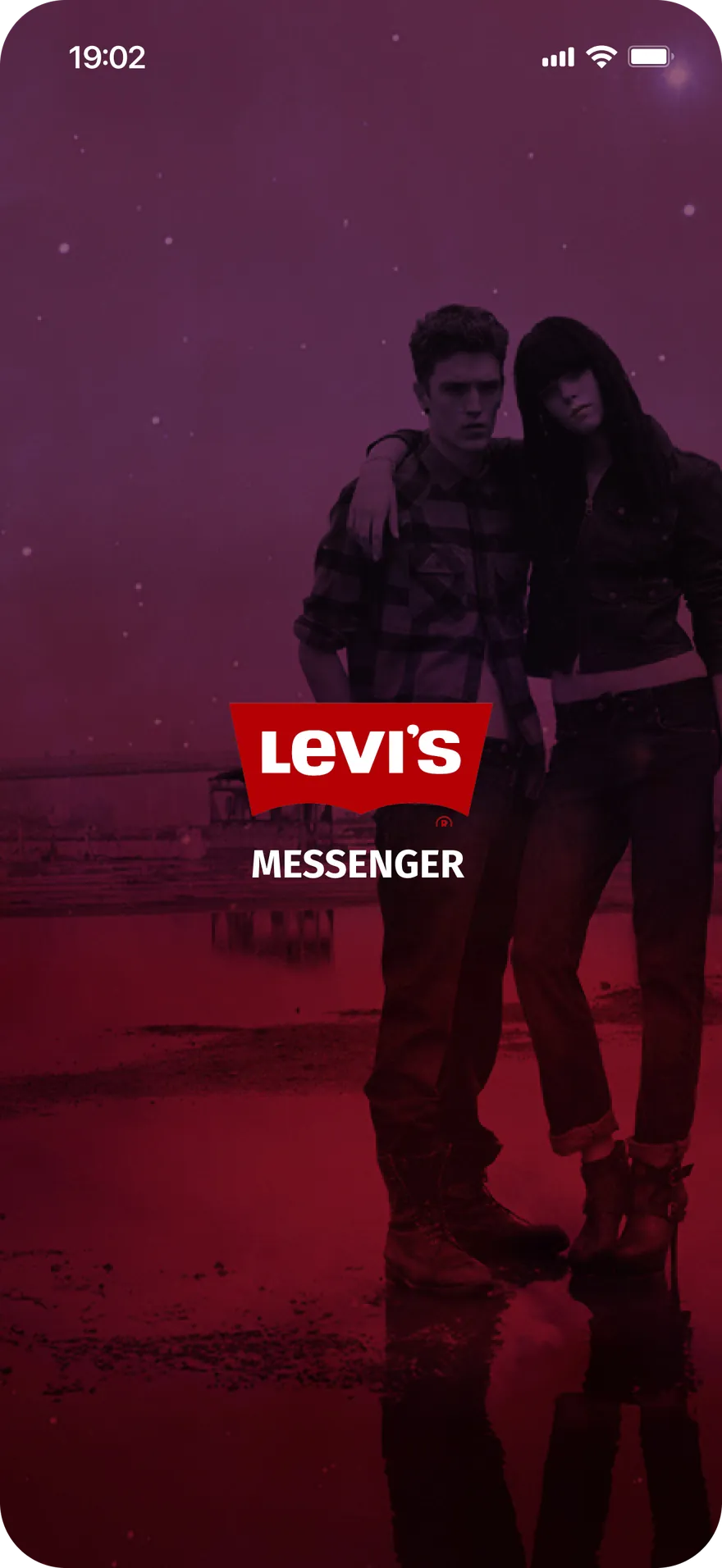
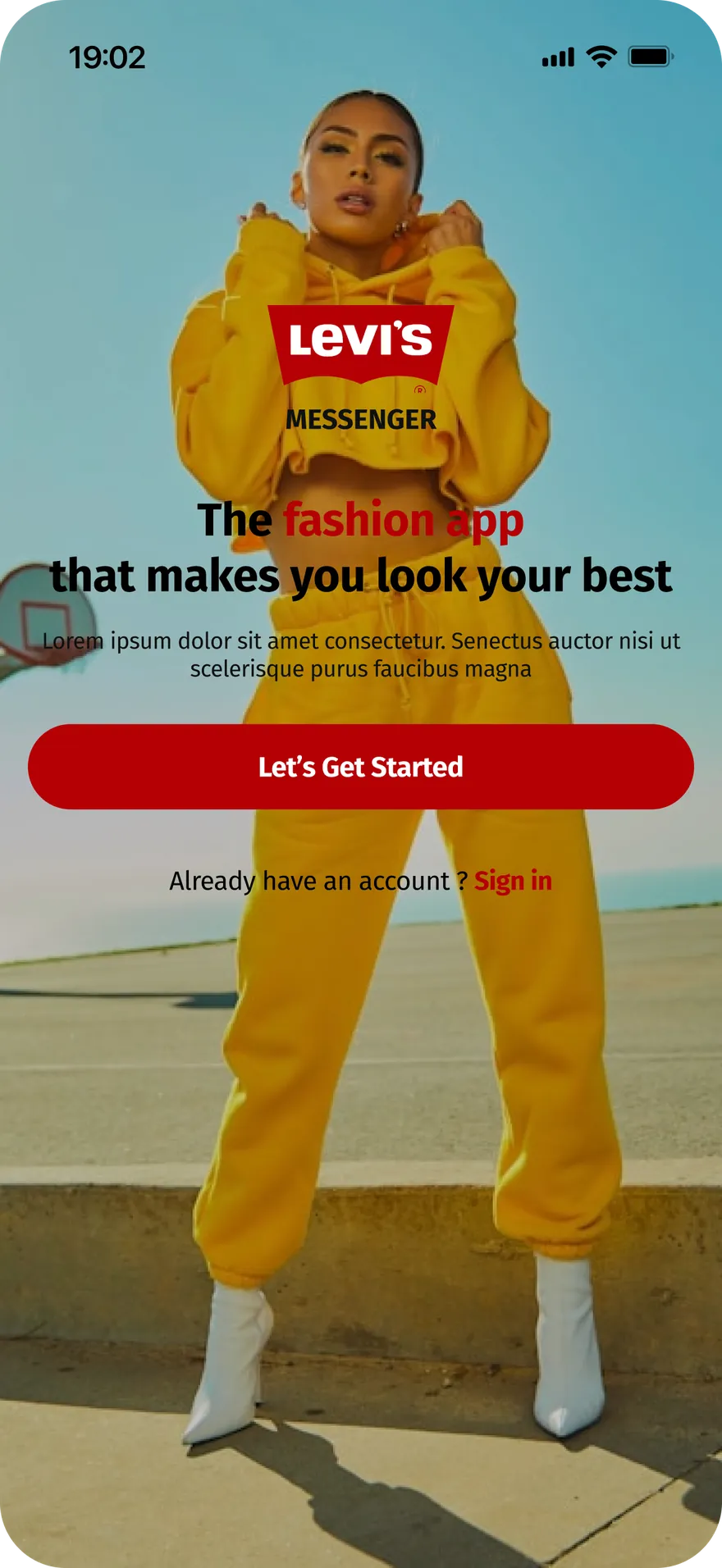
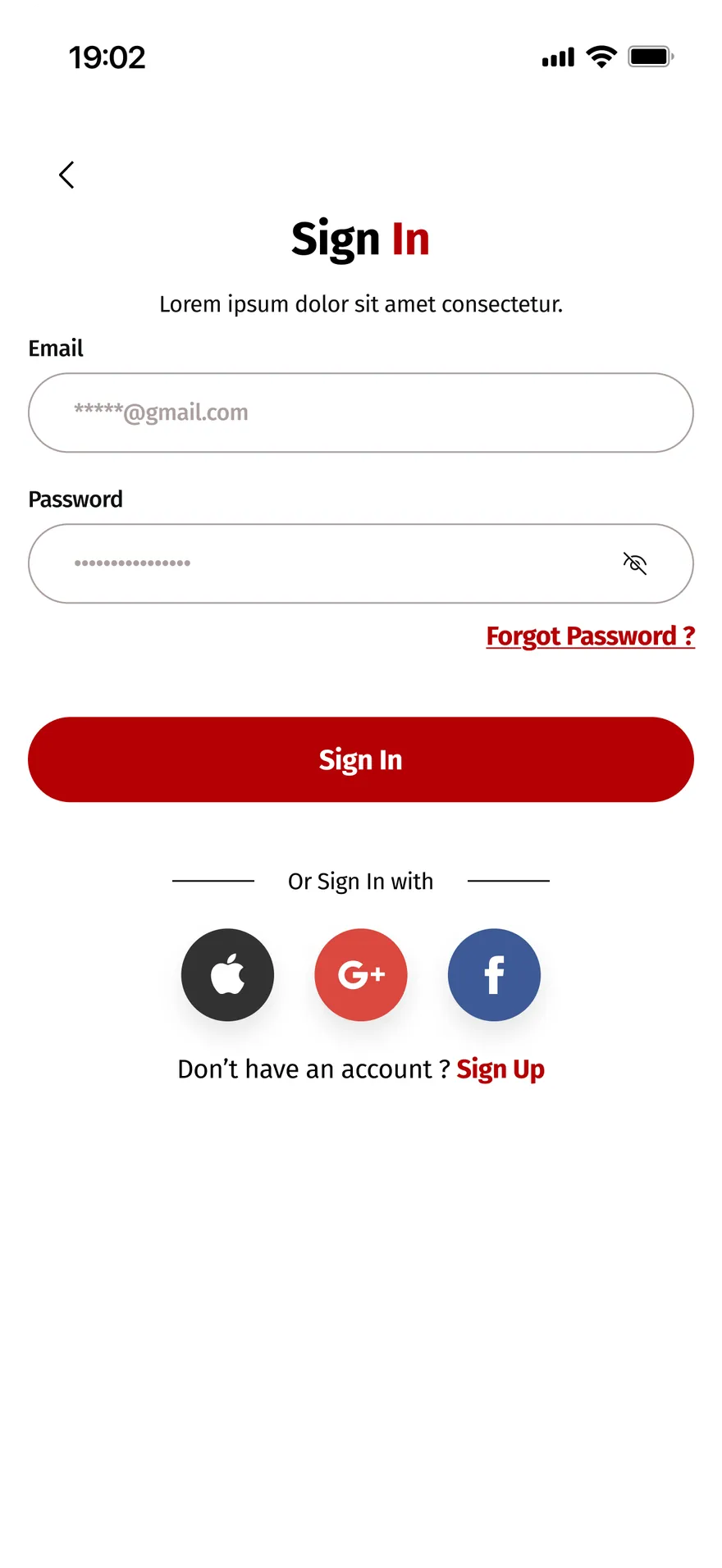
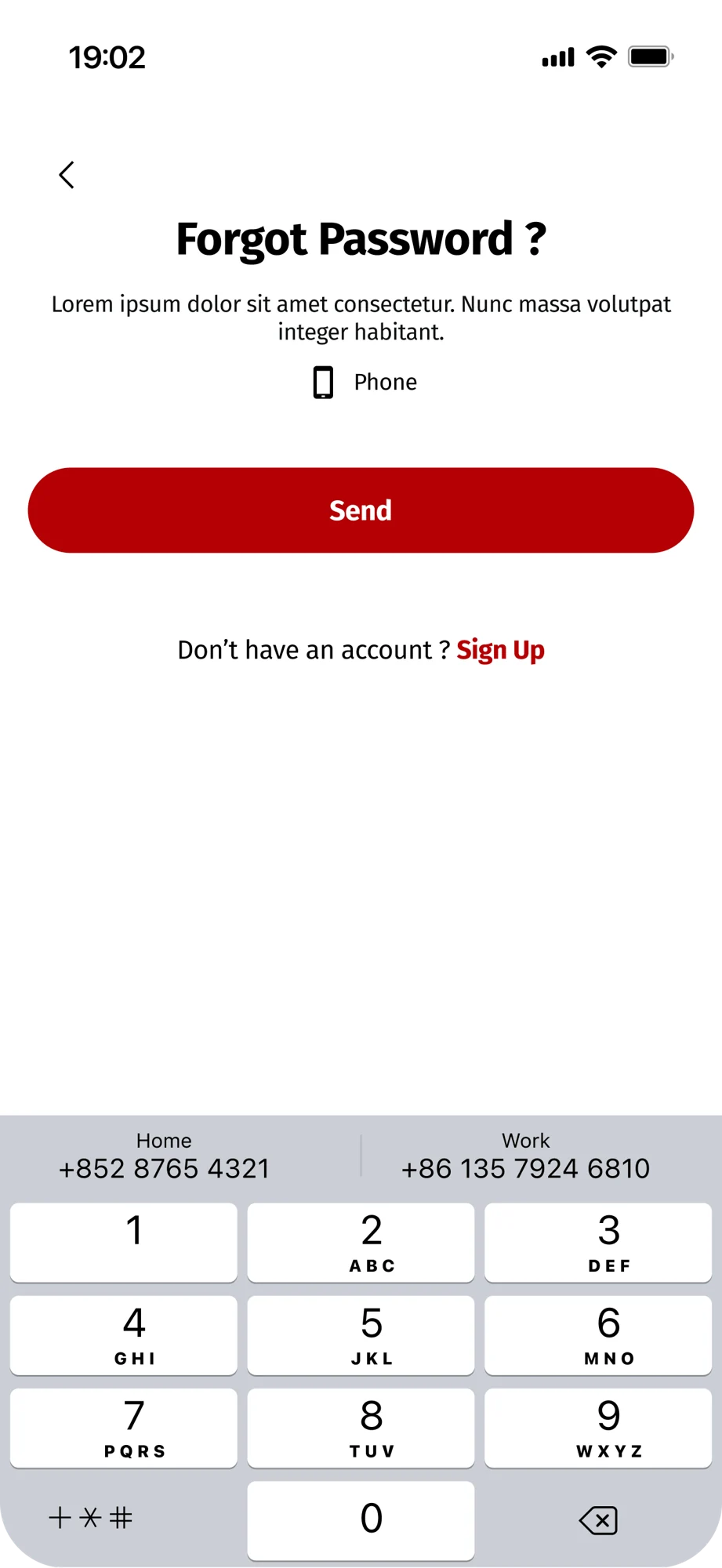
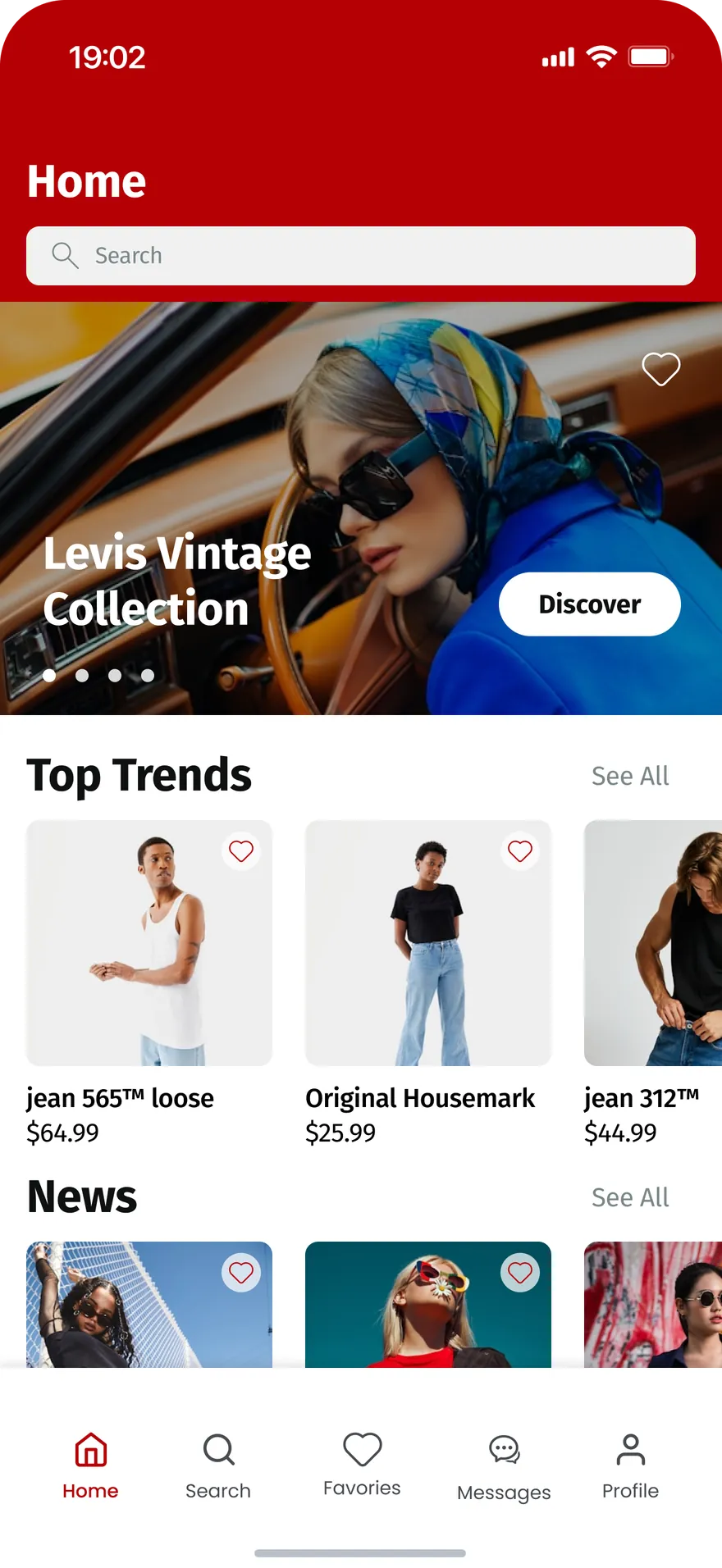
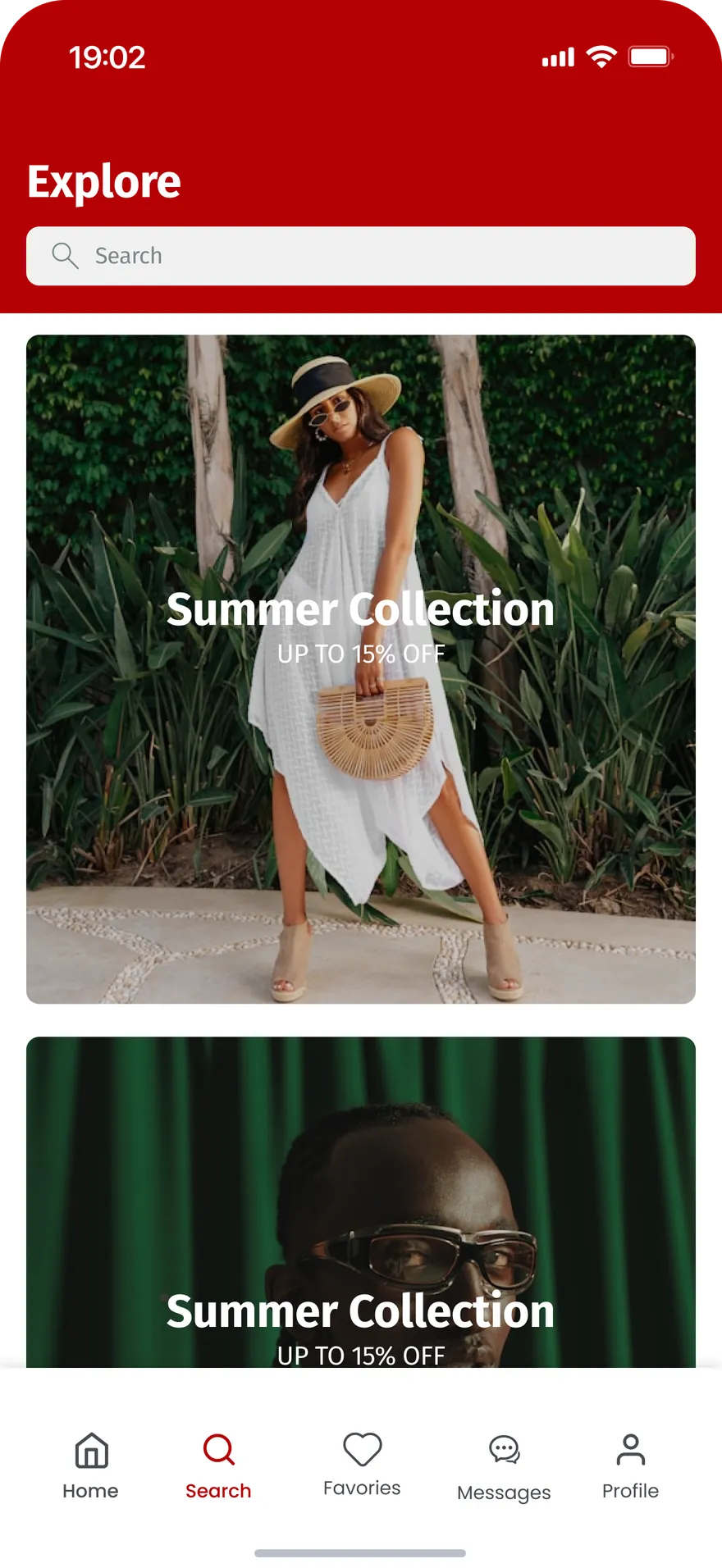
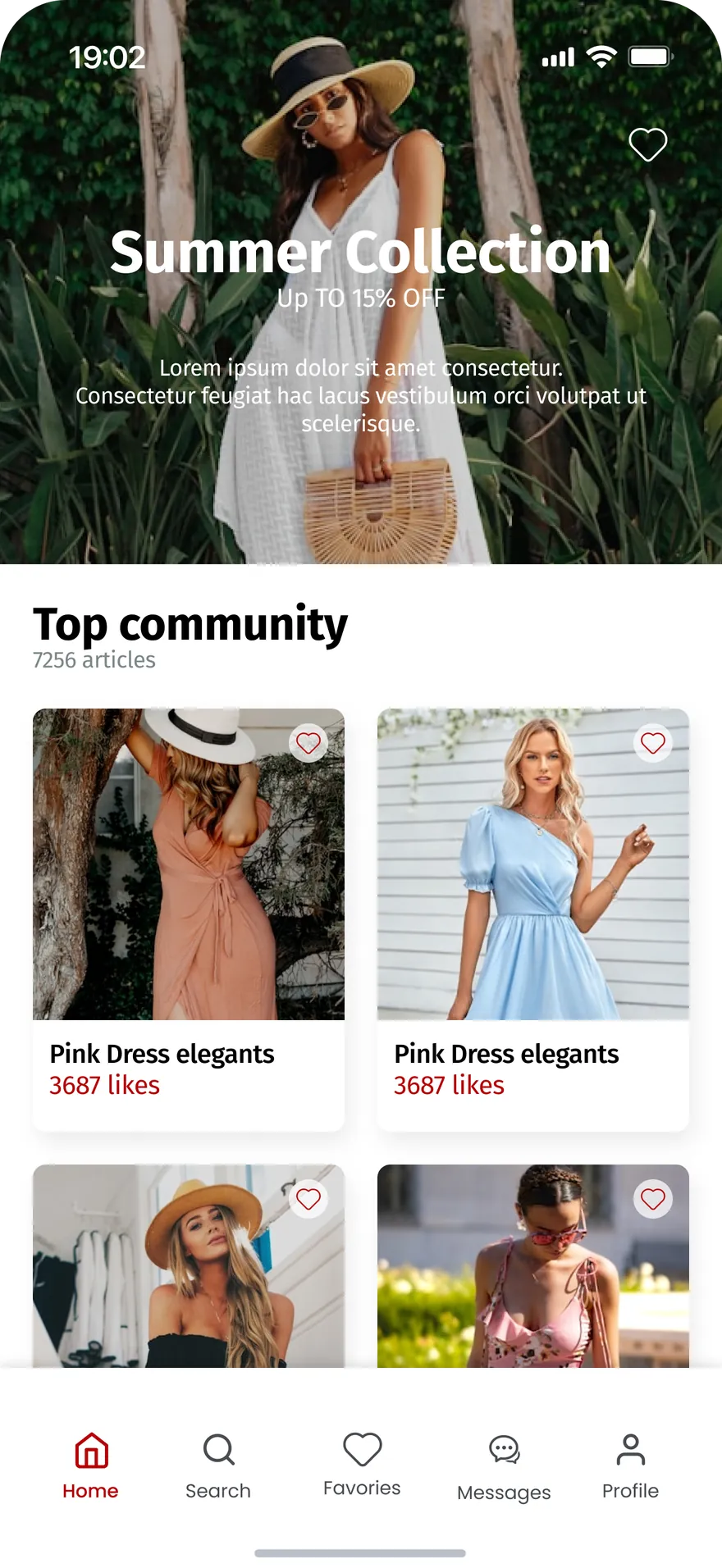
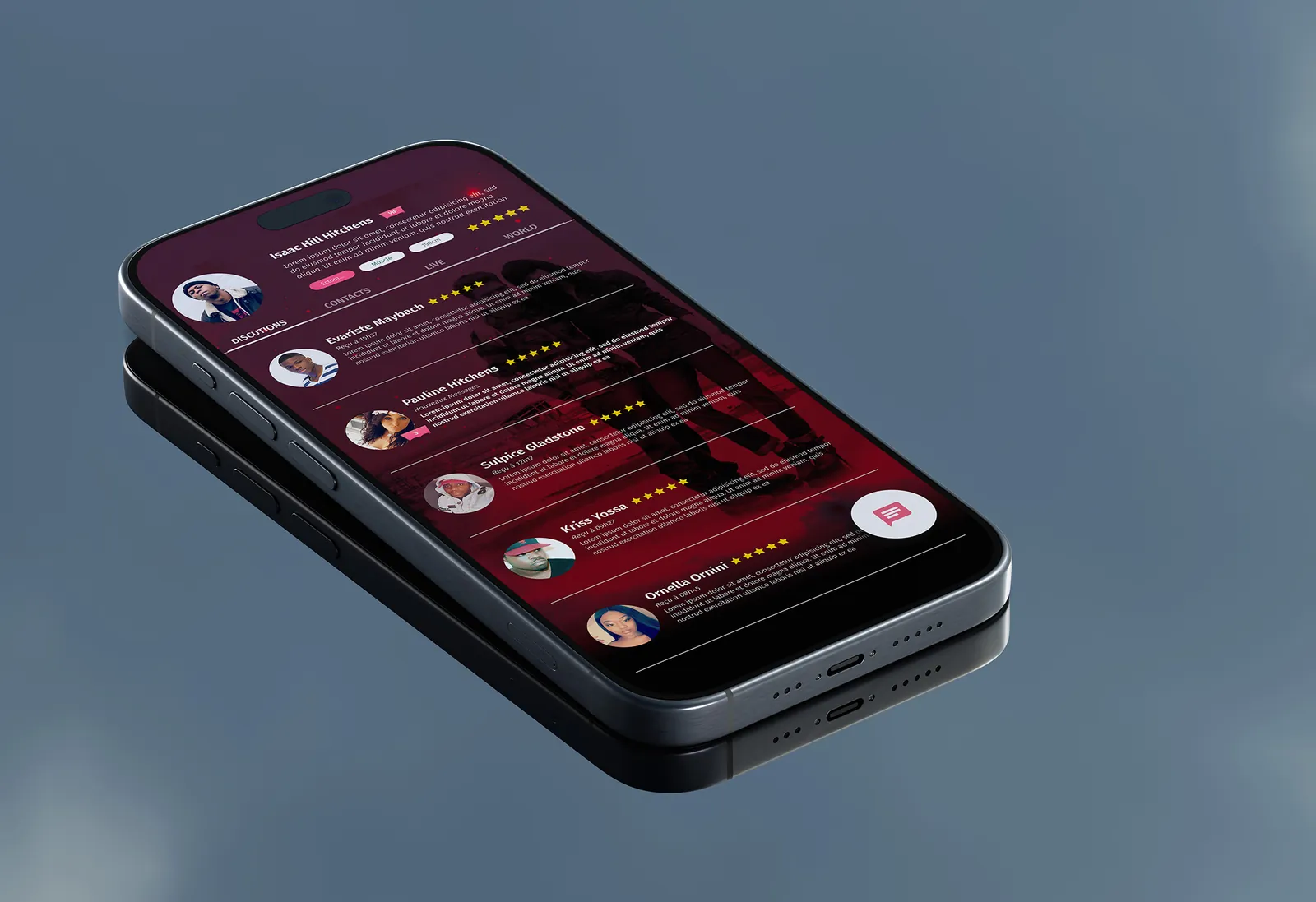
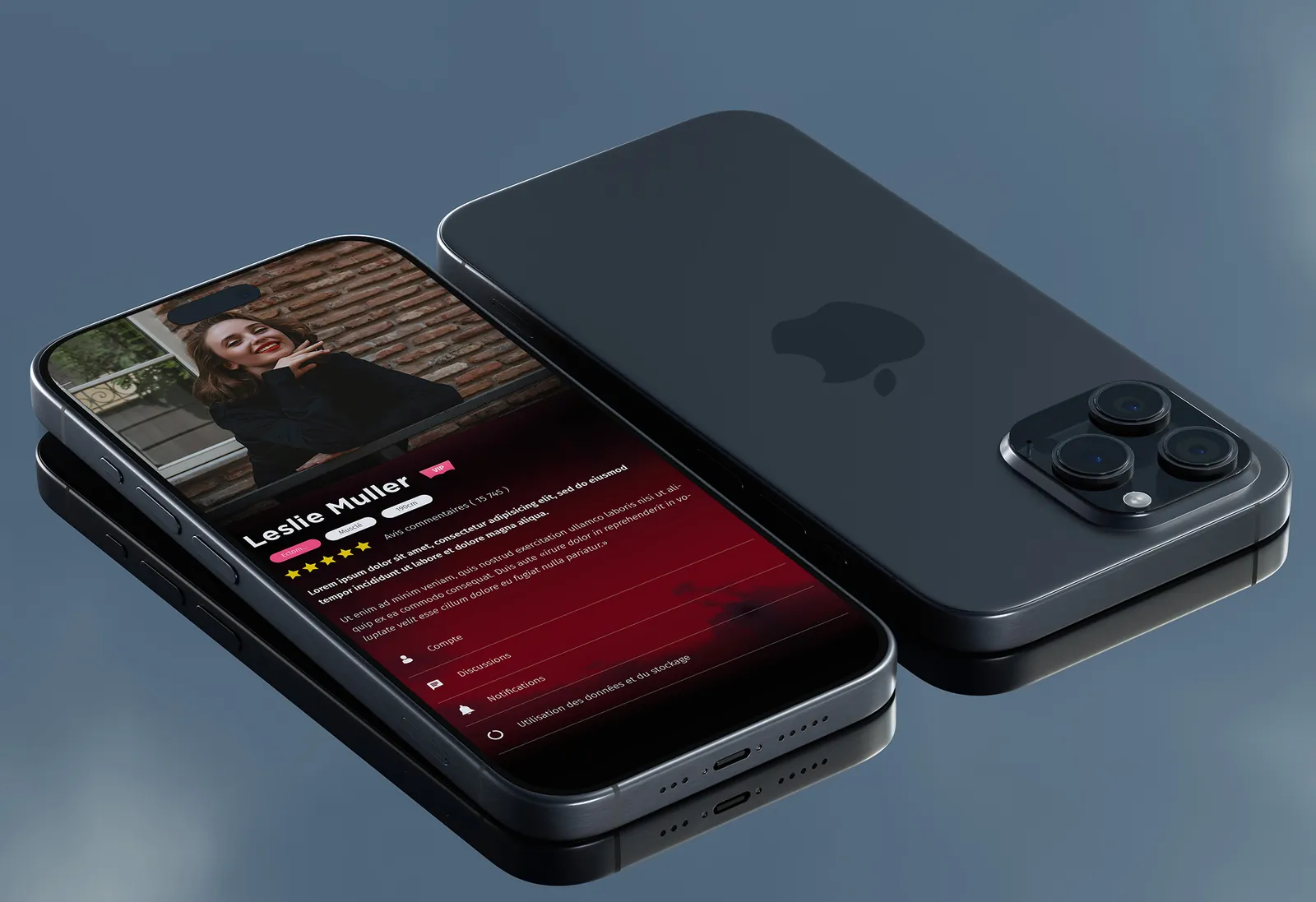
A clean UI with Levi’s red accents and a dark, immersive launch: readable advice cards, a visual body-type selector, messaging with outfit previews.
- Illustrated rather than text-based body-type selector, neutral in tone.
- Actionable advice cards: why it works + what to wear.
- Micro-interactions bring the feed to life without cluttering it.
Testing & iteration
Prototype test with five people from the target audience.
- Body-type onboarding felt too long and a little intrusive → cut to 3 screens + “skip”.
- Guilt-free rewording of body-related labels.
- Feed hierarchy reworked so the first useful tip appears sooner.
Outcome
Personalisation is a balance: enough data to be relevant, enough restraint to stay respectful.
- Next iteration: recommendations based on clothes people already own, moving from advice to “what do I wear it with?”.